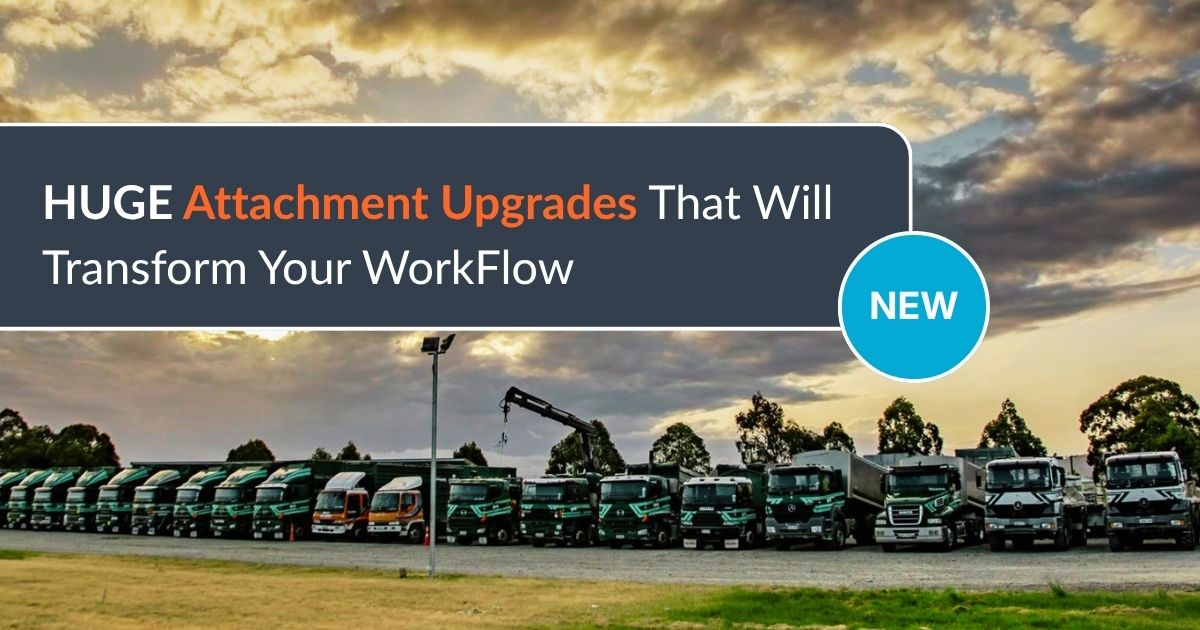
Job Attachments in MyTrucking just became a complete workflow, so nothing gets printed, filed, or lost again.
We’ve spent years in transport offices, on support calls, and in demo sessions, and we kept seeing the same thing. A document arrives by email, gets printed, copied for the driver, filed away, then searched for again later. Not because it’s the best way, just the way it’s always been done.
So we rebuilt the workflow around job documents, within our transport management software. From the moment a document lands to the moment a driver needs it on the road, it’s all connected.
Job attachments: the old way vs. the new way
Old way: print the booking confirmation, file a copy, hand one to the driver, then dig through folders when someone asks for it again.
New way: drag the document straight onto the job. It’s there for good, findable in a few clicks, whenever anyone needs it.
Need the driver to see it? Tick the box and it’s on their phone before they leave the yard. Got pricing or contract details for office eyes only? Leave it unticked and it stays with the job, off the app.
What’s new in the job attachments workflow
- Attach documents while creating a job. Drag and drop or browse your computer as you set the job up, no need to save first.
- Add attachments to contracts. They carry over automatically when a contract is split into a new job.
- Choose what drivers see. Control which client, contract, and job attachments reach the mobile app.
- Drag and drop throughout MyTrucking. Upload files anywhere, fast.
- Copy attachments when splitting jobs. Documents move with the job, not just the data.
- Larger file size limits. Bigger PDFs and photos, no problem.
Why it matters
Less printing, less filing, less searching. Every job’s paperwork lives in one place, with full control over what drivers can and can’t see. And because MyTrucking integrates with Xero, the right attachment can already flow straight through with the invoice, this upgrade just makes sure the right document is on the job in the first place.
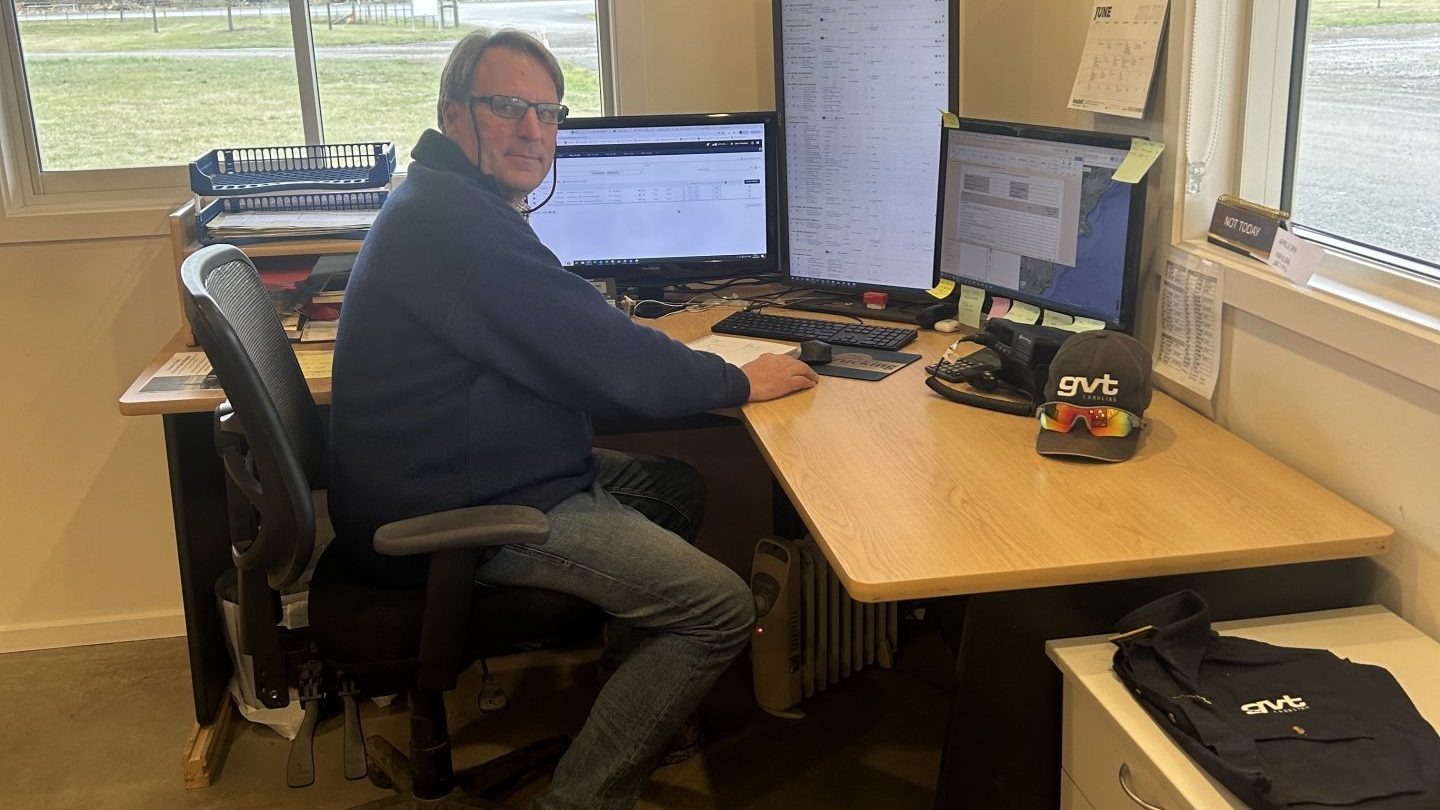
“The new Attachments to jobs or clients, a true game changer for dispatch! Best part? You can now control what goes to drivers and what stays internal. Everything’s in MyTrucking. Fantastic!” Marco Woelders, GVT Transport.
FAQs
What is a Transport Management System (TMS)? A Transport Management System, or TMS, is software that helps transport operators run jobs, manage drivers, and handle invoicing all in one place. MyTrucking’s transport management software now includes job attachments, so documents stay with the job from booking through to invoicing.
Can drivers see job attachments in the mobile app? Only the ones you choose. You control which client, contract, and job attachments are sent to the driver app, so sensitive details like pricing can stay in the office.
Do attachments carry over when a job is split? Yes. Attachments from the original job, and from the contract, copy across automatically when a job is split, so there’s no re-attaching the same document twice.
Give it a go
These updates are ready to use now. If you’re already a MyTrucking customer, jump in and attach your next document straight to a job.
Not a MyTrucking customer? Book a demo to see how our transport management software, and digital job attachments, can take the paperwork out of your day.